 01
01Vision AI ISVs · Video analytics teams
Multi-Camera Edge AI
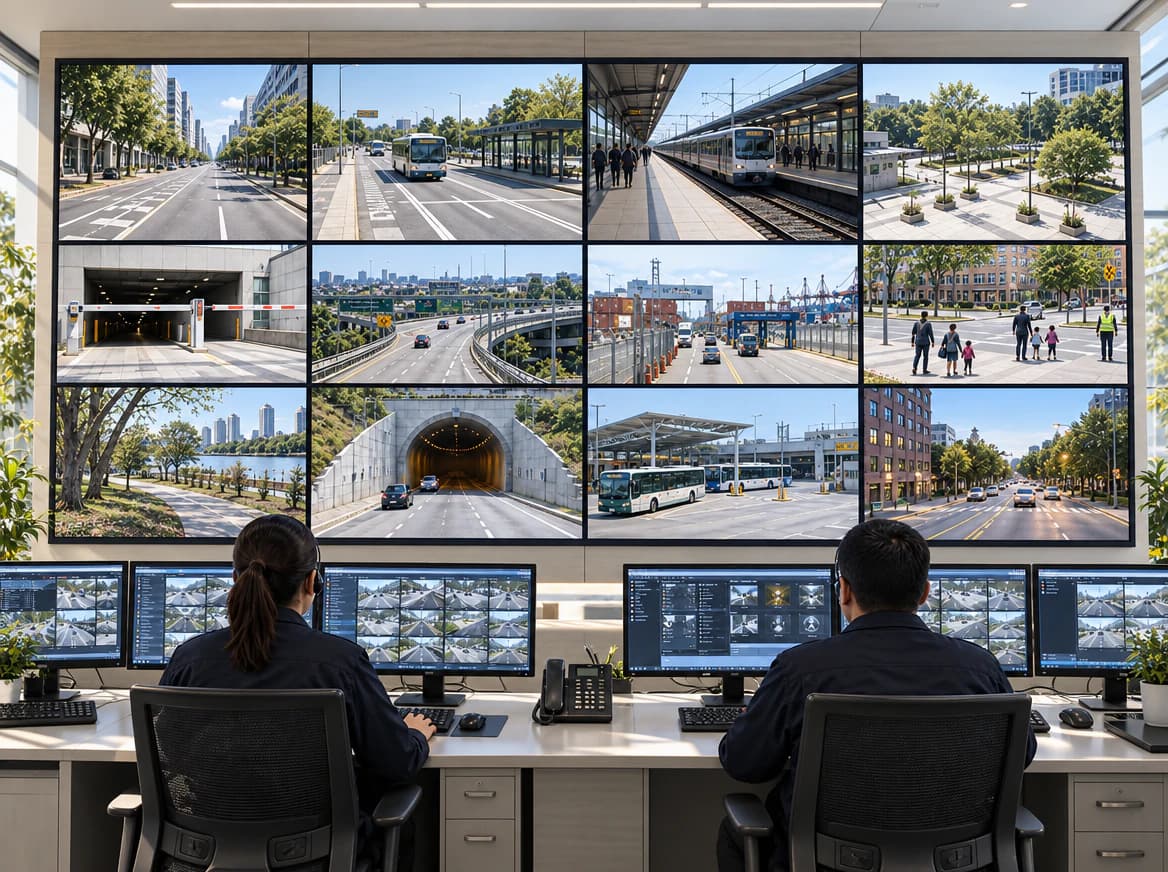
Map camera inputs, synchronization, edge compute, and application software as one design-in path for a video analytics product or sensor platform.
Explore the design-in path
VIDEO-NATIVE EDGE AI / DESIGN-IN
YUAN brings capture I/O, FPGA, drivers, edge compute, NexVDO SDK, and production engineering into one design-in path for video-intensive systems.
The review validates performance, capacity, power, and thermal behavior against a documented configuration. Its results are not universal product claims.

SYSTEM VIEW
Source to operation
NEXT STEP
Configuration review
01 / THE COMPLETE PATH
Follow the physical source through timing, memory movement, compute, inference, application behavior, and field operation. Select a stage to see the questions an architecture review should make explicit.
Video-native pipeline
Active stage 01
Capture
Professional and embedded video or sensor inputs
02 / DESIGN-IN PATHS
Four paths organize the buying committee around a specific architecture, evaluation checklist, and production decision. Each page uses its own source, software, and operating context.
01Vision AI ISVs · Video analytics teams
Map camera inputs, synchronization, edge compute, and application software as one design-in path for a video analytics product or sensor platform.
 02
02VMS and analytics ISVs · Security and surveillance SIs
Define how SDI, HDMI, IP, or mixed camera sources feed edge inference, recording, event workflows, and the systems your operators already use.
01 / 0301 / Source reality
Professional video, embedded cameras, encoded streams, audio, and metadata each establish different timing, control, and ownership boundaries. A credible architecture starts by recording those details source by source.
 02 / 03
02 / System boundary
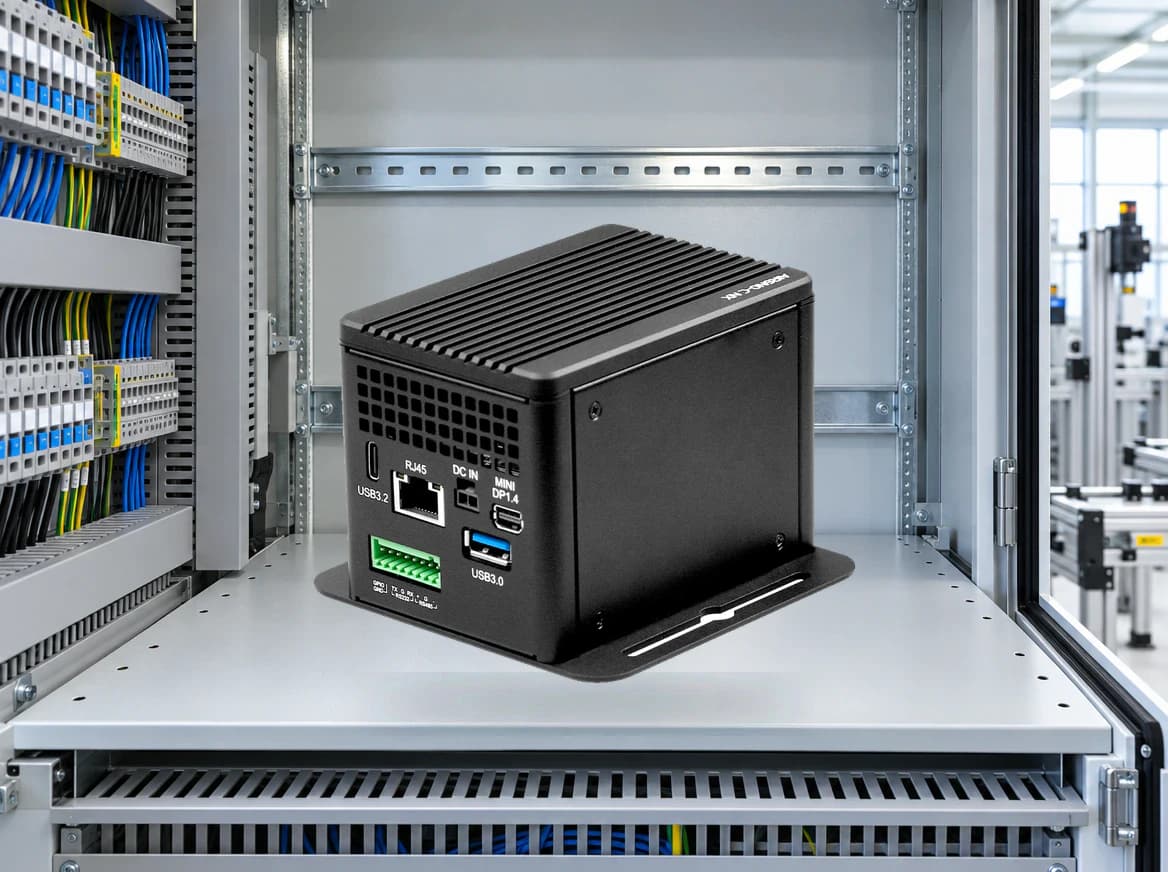
Frame movement continues through FPGA logic, drivers, memory, preprocessing, runtime, application behavior, and the physical platform. Reviewing those layers together exposes missing interfaces before they become late-stage integration work.
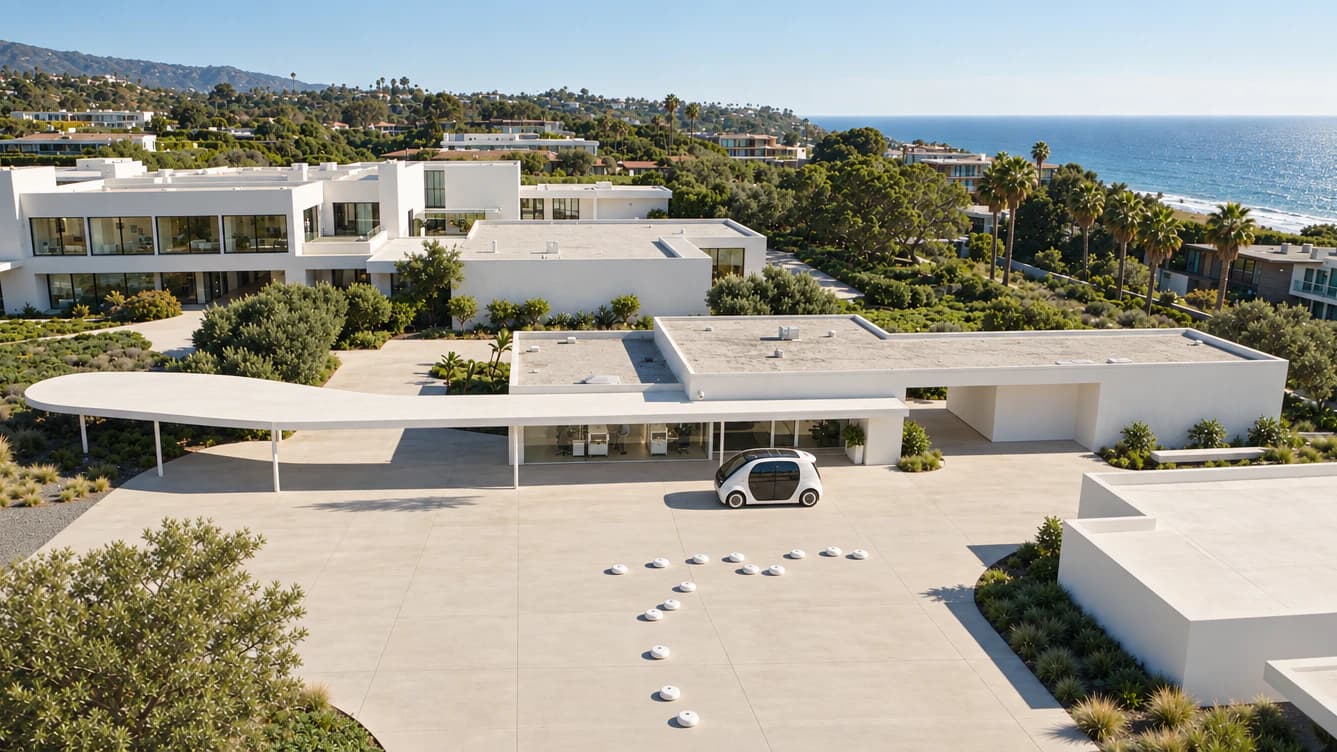
Frames begin in a physical environment and continue through system coordination, inference, and operation. The architecture review keeps that complete path in view.
 03 / 03
03 / Production evidence
A useful result records the source, software versions, compute target, power mode, thermal state, duration, and acceptance rule. The review defines what must be measured. Product qualification remains configuration-specific.
03 / ONE DESIGN-IN BOUNDARY
The architecture review is a working boundary across source, hardware, compute, and software decisions. It identifies what is supported, what still needs confirmation, and who owns the next piece of evidence.
Start with the actual interfaces, source count, formats, timing, metadata, and environmental constraints.
Map capture I/O, carrier design, FPGA, synchronization, drivers, firmware, and mechanical boundaries.
Choose a supported NVIDIA or x86 target from the complete workload, not a compute headline alone.
Connect capture, recording, streaming, and analysis through supported NexVDO SDK workflows.
04 / COMPARE THE STARTING POINT
These routes are architecture starting points, not performance rankings. Each one names the configuration details and evidence that should be reviewed before a production decision.
01
02
03
04
05 / PREPARE THE REVIEW
Arrive with the real source, workload, and physical constraints. The review maps a candidate boundary and the next credible evaluation step. It does not replace final qualification, compliance, or system-safety work.
List interfaces, formats, channel count, timing, metadata, and the real operating environment.
Share decode, preprocessing, model runtime, application logic, recording, and streaming needs.
Record power, thermal, mechanical, software, ownership, compliance, and production constraints.
Agree on the target configuration, measurement points, duration, and acceptance rules.
VALIDATION RECORD
Capture the source and sink, resolution, frame rate, codec, model, runtime, software versions, platform, power mode, thermal state, duration, measurement points, and acceptance rule.
ARCHITECTURE REVIEW
The YUAN USA team routes the request to the relevant product and integration specialists, then identifies the next credible step.
HARDWARE EXPERT
Ask which source, compute, software, and production constraints to include before you contact the design-in team.
YOUR NEXT DESIGN-IN DECISION