 01 / 03
Source reality
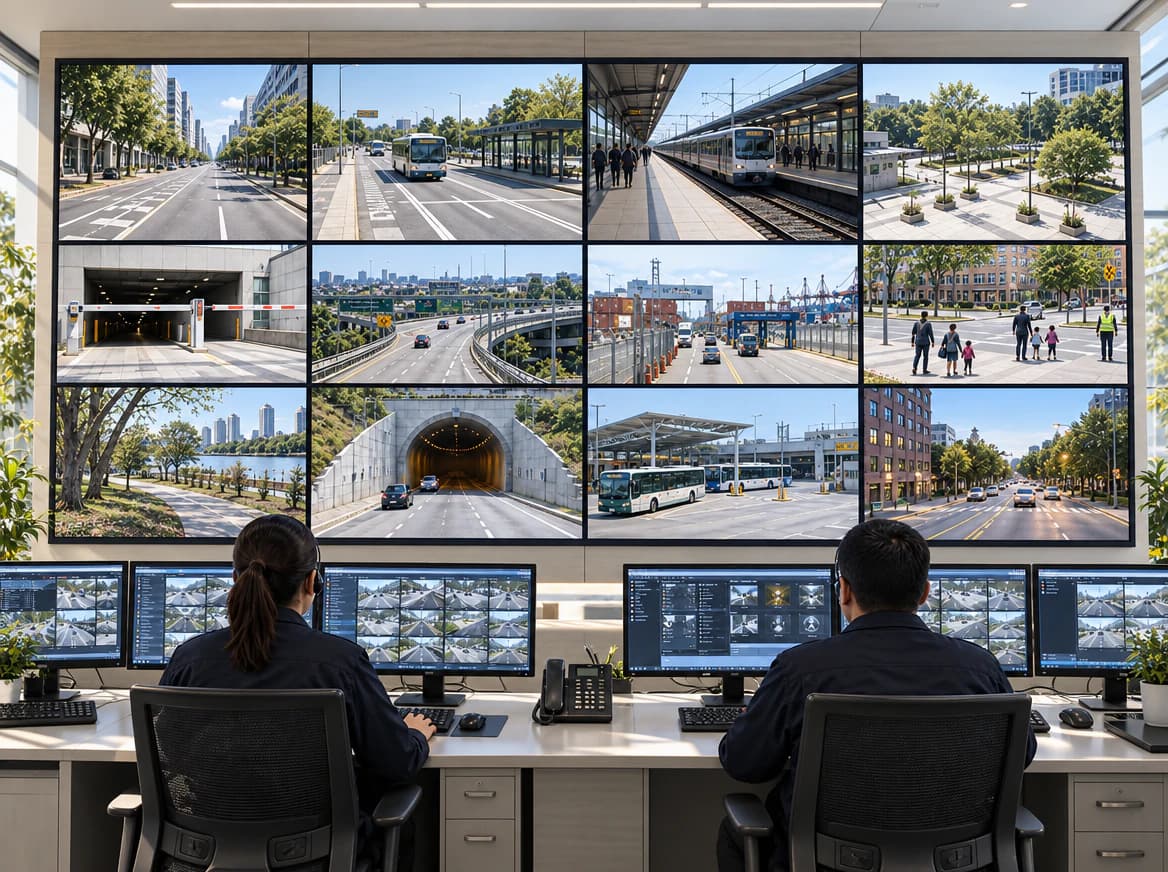
Start with every camera path, not an average stream.
Record each source, interface, image format, timing requirement, and metadata path before selecting capture or compute hardware.
Multi-Camera Edge AI
Map camera inputs, synchronization, edge compute, and application software as one design-in path for a video analytics product or sensor platform.
Explore the system path
System operating context
Designed for
The integration gap
The architecture still has to preserve source context, move frames into the compute path, and define who owns every layer from driver to application.
Camera count, interface, resolution, frame rate, metadata, and synchronization requirements affect the complete ingest design.
The target platform depends on decode, preprocessing, inference, application logic, power, and thermal constraints—not TOPS alone.
Camera, carrier, driver, BSP, model, SDK, enclosure, and production test responsibilities need an explicit owner before design-in.
Architecture review
YUAN maps the supported signal path and identifies the interfaces, validation work, and ownership boundaries that require confirmation.
Multi-Camera Edge AI
Active stage 01
Capture
Camera interfaces, channel count, formats, and metadata
Performance is configuration-specific. The review defines the target, test configuration, and evidence needed before latency, frame integrity, stream density, power, or thermal results are treated as claims.
Follow the operating path
01 / 03Source reality
Record each source, interface, image format, timing requirement, and metadata path before selecting capture or compute hardware.
 02 / 03
System boundary
The review identifies where a camera, capture device, host, driver, runtime, and application exchange frames and control data.
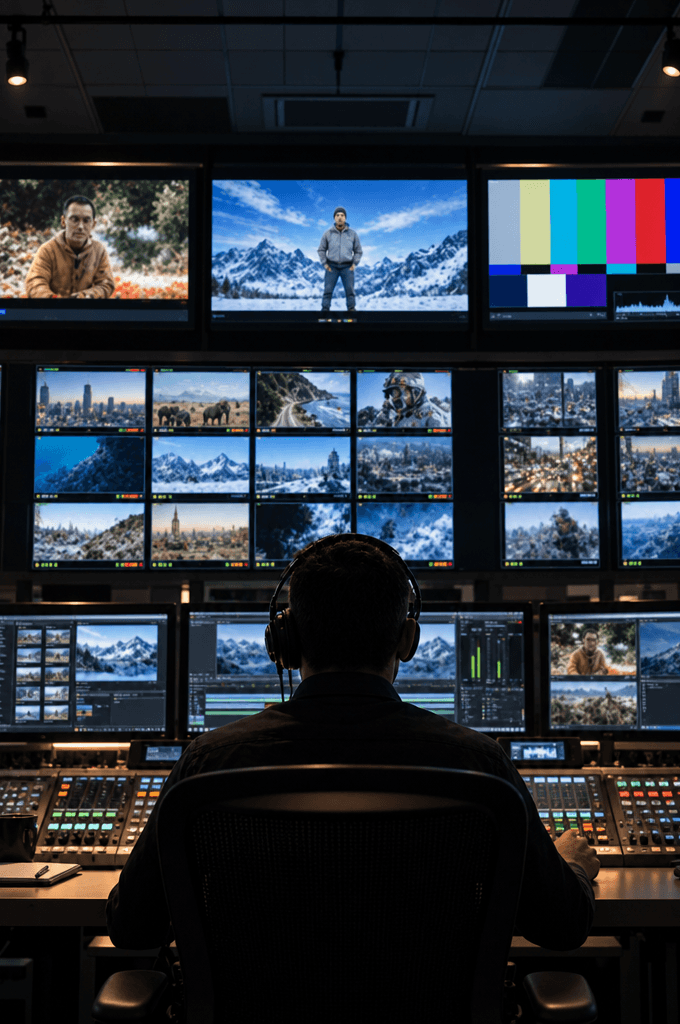
Every camera view belongs to a larger operating path. Follow the sources through synchronized activity, system coordination, and the application that consumes the result.

 03 / 03
Operating handoff
Inference output still needs event handling, recording, streaming, observability, and a defined handoff to the product or fleet layer.
These are architecture starting points, not performance rankings. The review confirms model-level compatibility and the evidence each path needs.
01
02
03
Architecture review
Bring to the review
Review output
Related YUAN capabilities
Evaluation questions
A useful selection also needs the source count, formats, preprocessing, runtime, application load, power, thermal, and mechanical constraints.
No. Those are configuration-specific results. The review defines the target and the benchmark configuration needed to validate it.
Possibly. Share the exact interface, format, timing, driver, and control requirements so compatibility can be reviewed against supported hardware and software.
Prepare the technical brief
Ask the YUAN hardware expert which inputs and constraints belong in your review.
Other design-in paths
YUAN USA design-in
Share the video sources, software workload, physical constraints, project stage, and production intent. The YUAN USA team will route the review to the relevant product and integration specialists.